The action log lists all changes to system objects, such as users, Job Functions, and processes. Click on Action log under Monitoring and Maintenance in the configuration tools to display the following overview:
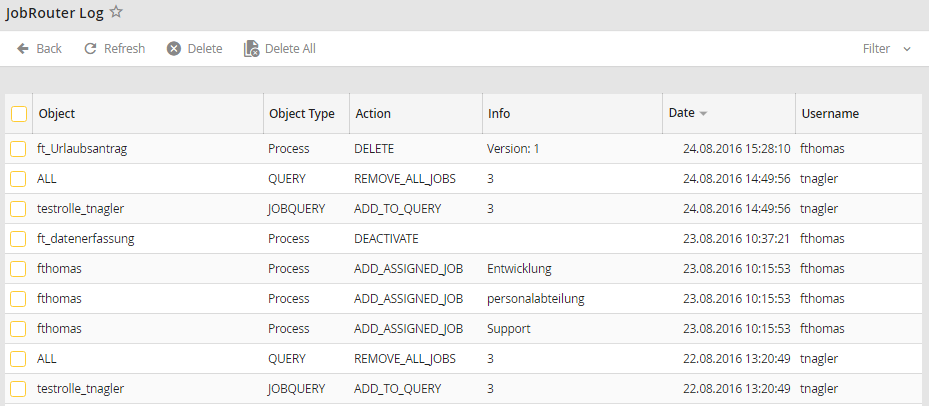
Action log
You can see the name of the changed object such as the username or the Job Function name under Object. The Object Type lists the type of object, such as a user, a database connection or query. The column Info provides you with a detailed description of the corresponding action. Under Date you can see when the change was made. The Username shows you which user made the change. To delete single or multiple entries, select the checkboxes in the desired rows. Click Delete in the action bar to delete the selected entries.
Please note: The deletion of steps is not logged in the general Action log. Only the deletion of an entire instance is recorded here. If an instance has several steps and a single step is deleted, the deleted step can be viewed in the Instance overview under Log. If an instance has only one step, or all steps are deleted at once, the instance itself is also deleted. The deleted instance is then logged in the general Action log.
