On this page, the JobRouter administrator can unlock locked archive documents. This is useful, for example, if a user has locked a document but is absent for a longer period of time. Documents from all archives are displayed.
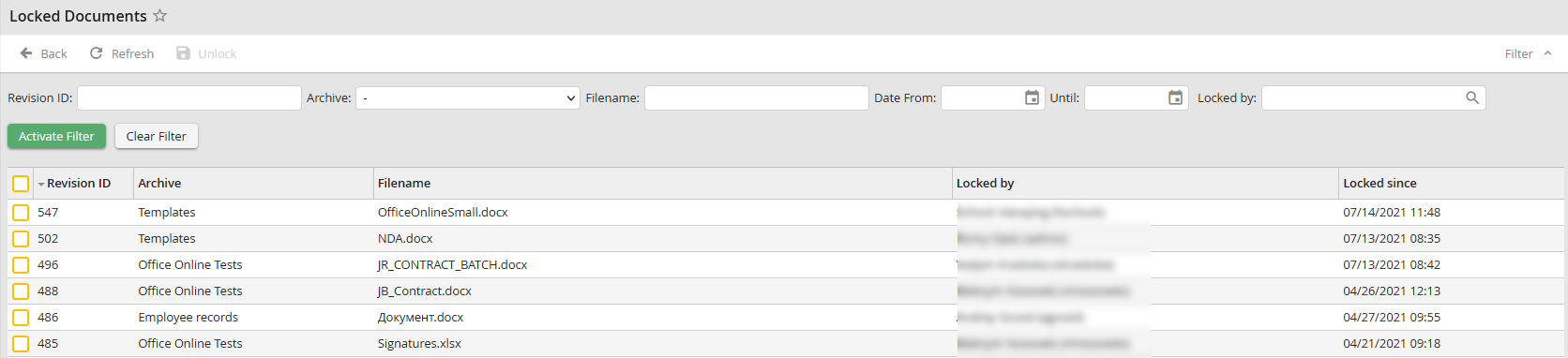
Locked documents
Select the desired documents in the first column and then click the Unlock button at the top. A warning message appears before the final unlock. The documents will be unlocked and available for users again. You can use the Locked by filter to search and filter specifically for a person's locked documents.
Please note: If an administrator unlocks a locked document, all changes made by the author in the document will be lost. The previous version of the document will be displayed.
