To export an analysis of the current system and make it available for support related tasks, click on Export in the action bar. A new window with a security warning opens. Click on Export again to receive a zip file to download that contains the data of the analysis.
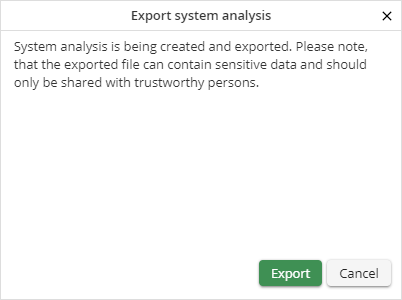
Export of an analysis file - Security warning
Please note: The analysis file may contain sensitive data such as license information or database information. For this reason, only provide this file to trustworthy persons.
