In the JobRouter navigation menu, go to Modules under Configuration. An overview of existing JobRouter modules will be displayed. Click on Configure JobRobot. The following input mask appears.
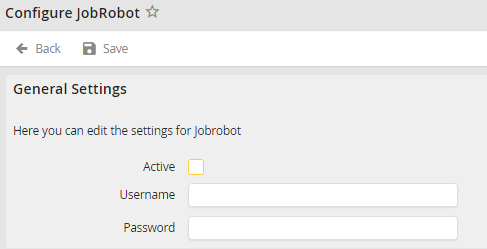
Configure JobRobot
Check the Active box to activate JobRobot. Enter the existing JobRouter username that JobRobot should use to login into the Username field. Then enter the corresponding password in the Password field. Click Save to save your settings. You will be taken back to the JobRouter modules overview.
