Activate the DocuWare module in the JobRouter configuration menu, by opening General Settings.
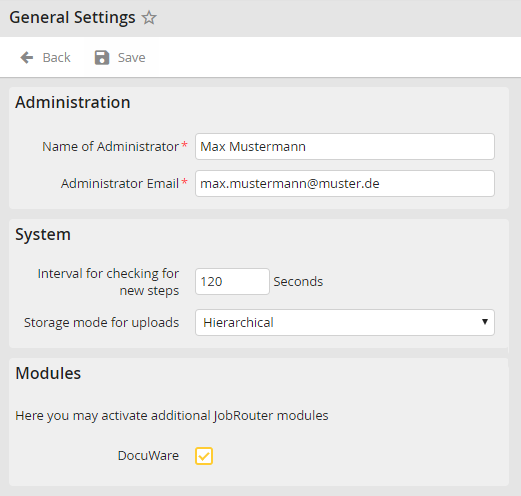
Check the DocuWare box, then click Save.
Please note: The DocuWare checkbox is only available if DocuWare is not listed in the license.
JobRouter will now display the menu items for DocuWare integration.
