Administration of web service connections
The configuration of the web service connection to the SAP system is done in the JobRouter configuration menu. The panel JobLink for SAP with the Web service connections link is displayed in the Modules tab.
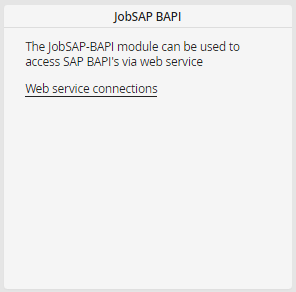
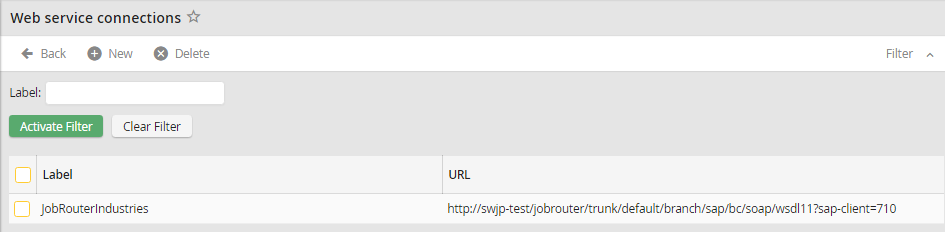
The web service connection overview allows to create, edit and delete connections.
The connection data can be edited in the following form.
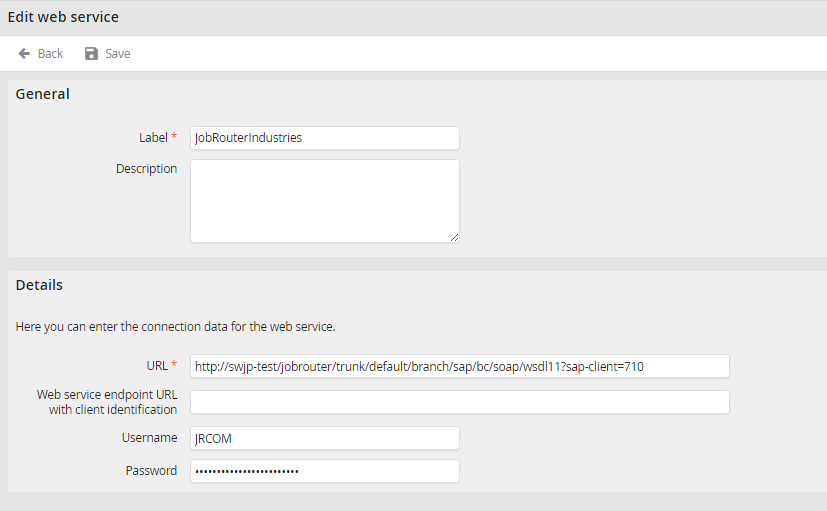
The following properties can be set for connections:
Property |
Details |
|---|---|
Label |
Unique label of the connection |
Description |
Description text of the connection |
URL |
The URL used to reach the web service |
Web service endpoint URL with client identification |
If an URL is inserted here, this will be used for calling further web service functions in SAP. So it can be ensured that always a valid client is passed.
The URL needed for this can be taken from the WSDL description and has, besides of the client identifier, e.g. the following form: http://srvsapse2.jobrouterindustries:8000/sap/b/soap/rfc?sap-client=750 |
Username |
Communication user of the SAP system Please note: The username may not contain colons! |
Password |
Password of the communication user |
