In the mobile view of the form designer, elements can be adopted from the desktop view by a simple mouse click. Therefore, click Adopt form elements in the action bar. A window will appear, displaying all selectable elements that can also be filtered via a search field.
You can only select elements that are not displayed in bold letters.
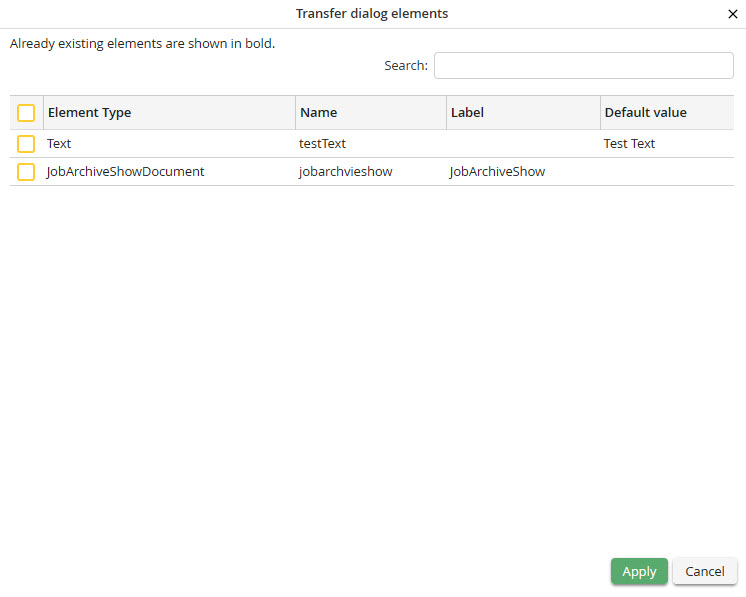
Transfer dialog elements
Please note: Pages, sections, lines, and columns cannot be adopted!
After selecting the desired elements click Accept to transfer them in the displayed order to the end of the mobile form. Please note, that the highlighted elements exist already in the mobile form, and will be overwritten if they are selected again.
Please note: As related radio buttons have the same name and can only distinguished based on their value, existing elements are only overwritten if the name matches as well as the value. Otherwise, the radio button will be added as new element.
Please note: In the mobile view elements cannot be taken from or stored in the clipboard. This is only possible in the desktop version.
