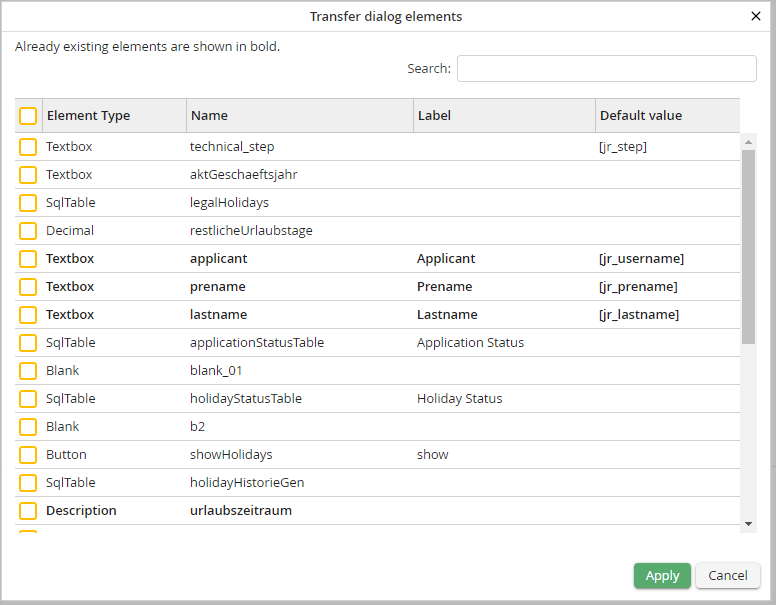
You can apply elements from the desktop view to the mobile view by a mouse click. Click Adopt form elements in the action bar. A window opens in which the desired elements can be selected and filtered using a search mask.
Please note: Pages, sections, rows and columns cannot be transferred!
If you have selected the desired elements click Apply to transfer them to the end of the mobile form in the displayed order. Please note that the highlighted elements already exist in the mobile form and are overwritten.
Please note: Since the name of related radio buttons is identical and a distinction is only possible via the value, existing elements are only overwritten if both the name and value match. Otherwise, a radio button is always added as a new item.
