Define basic JobRouter escalation settings using the JobTimer module. Go to Admin Tools to Configuration in the navigation menu. Click Configure JobTimer in the JobRouter module overview to open the following form window.
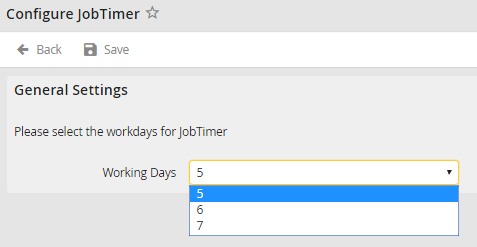
Select workdays
Select how many working days your escalations should count in a week. Weekends are then automatically omitted in escalations.
Open the escalation calendar in the module overview. Click Escalation calendar to enter holidays that should not be considered in the escalation. You may see the overview of previously entered holidays.
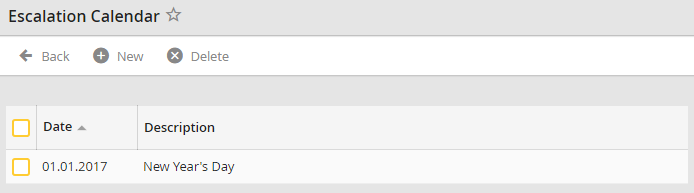
Escalation Calendar
Click New to add days to the list.
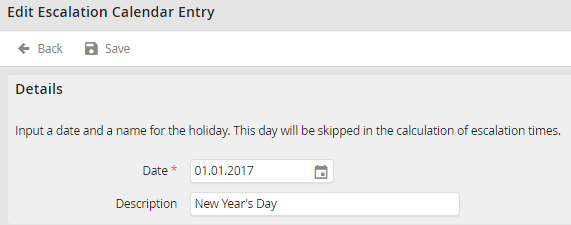
Edit the Escalation Calendar
Enter a date in date field or select a date via the calendar symbol  . Enter a name for the holiday in the Description field. Click Save to save your entries. You are redirected to the escalation calendar overview
Please note: Escalations that are not specified in days are also executed on the recorded days in the escalation calendar.
