You can make a copy of any JobRouter process. Click the corresponding checkbox in front of the process name in the process overview. Click the New button in the action bar. The Copy process mask opens. When you have finished making changes, click Copy to make a copy of the process, incorporating any changes you just made.
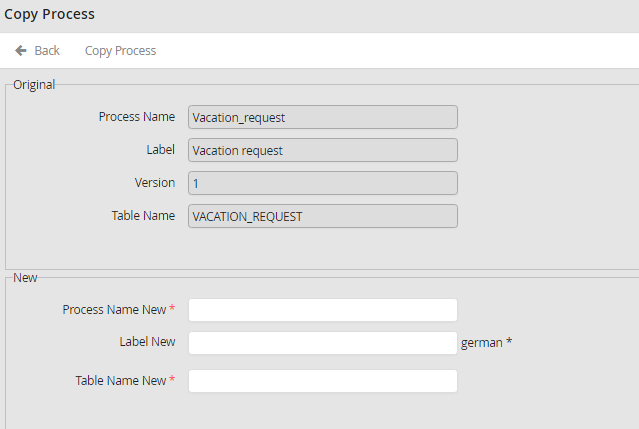
Copying a Process
You can modify the following process properties.
Process properties |
Description |
|---|---|
Process Name New |
Indicate a new name for the process. |
Label New |
Fill in a new description for the process. |
Table Name New |
Allocate a new table name for the process. |
Subtable New |
If you have established subtables in your process, you can input new subtable names. |
