You can define an image format in which the pages of the original document are converted to for internal processing on this tab.
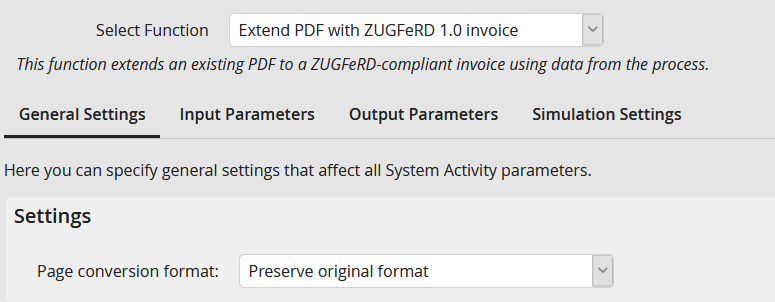
Page conversion format
You may choose among the following formats:
Conversion format |
Description |
|---|---|
Keep original format |
This is the default setting for documents. The original size is not changed as much as possible. If necessary, fonts are adjusted to ensure clear visual reproducibility. |
PNG |
This is the default setting for colored documents. The format is not suitable for scanned documents with colored background, as in this case the output file can be very big. |
TIFF Fax4 |
This format provides a black and white output and is only suitable for such original documents. The small file size is a big advantage. |
JPG |
The format is suitable for scanned documents with colored background, as in this case the output file is smaller than a PNG format. |
