On the DocuWare WebClient tab, you can assign different links to DocuWare WebClients you created earlier in the DocuWare Connections of the module configuration to a user profile.
The users using this user profile will see those links in the JobRouter navigation menu.
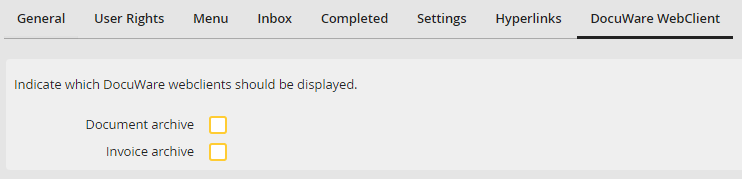
DocuWare WebClient links assigning
Enable the corresponding checkbox next to each of the links you wish to appear.
