Click the Process Inboxes tab to see whether special (subsidiary) process inboxes have been defined. A window appears showing a list of existing process inboxes.
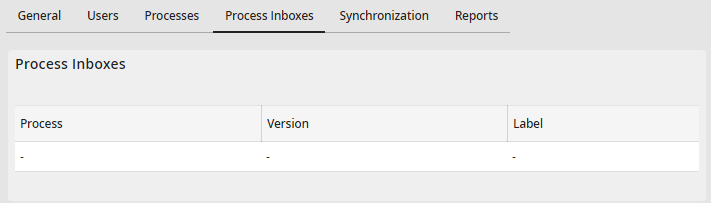
Displaying Process Inboxes
The column Process is the name of the process the inbox belongs to. Version displays the version of the process. The Label column is the name of the inbox.
Please note: Process inboxes are created and edited in the JobRouter Designer (see JobRouter workflow designer manual, chapter Inboxes).
