A new index dialog can be created by clicking on New in the action bar of the Manage Index Dialog mask. If you want to edit an already existing index dialog, click on its name. In either case, the Edit Index Dialog dialog window will be displayed.
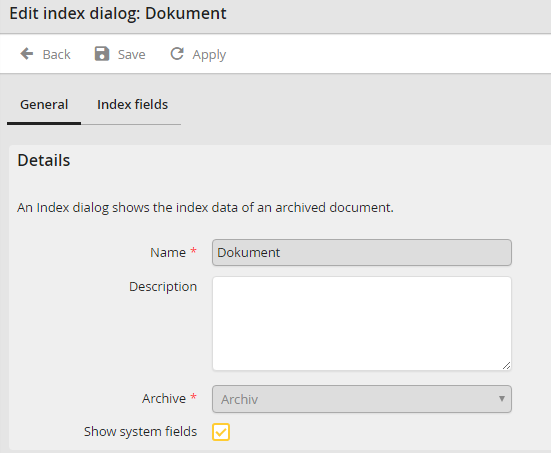
Edit Index Dialog - General tab
You may configure the following settings.
General settings |
Definition |
|---|---|
Name |
Enter a name for the index dialog here. |
Description |
Enter a description for the index dialog here. |
Archive |
This drop down list includes all existing archives. Select the archive you want to use for the index dialog. |
Show system fields |
Set if system fields are also to be displayed in the index dialog. |
Click Apply in the action bar to save your settings.
