To display the index data of an index dialog, you have to define the to be displayed index fields on this tab first. You can add any number of index fields to an index dialog.
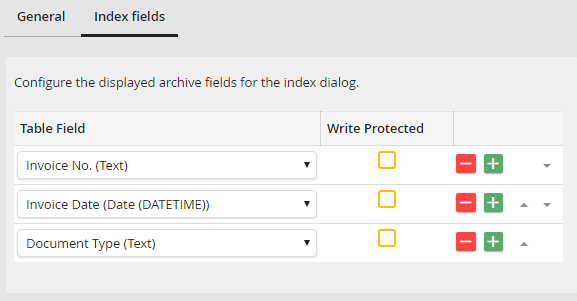
Edit Index Dialog - Index fields tab
You can select any index field of the select archive. The selected index fields will be displayed in the index dialog in the order displayed here. The arrows at the end of every row allow you to set the order of the individual columns. Click Save to save your settings.
