A new instance can be created via New in the action bar. You will see the Create New Instance dialog window.
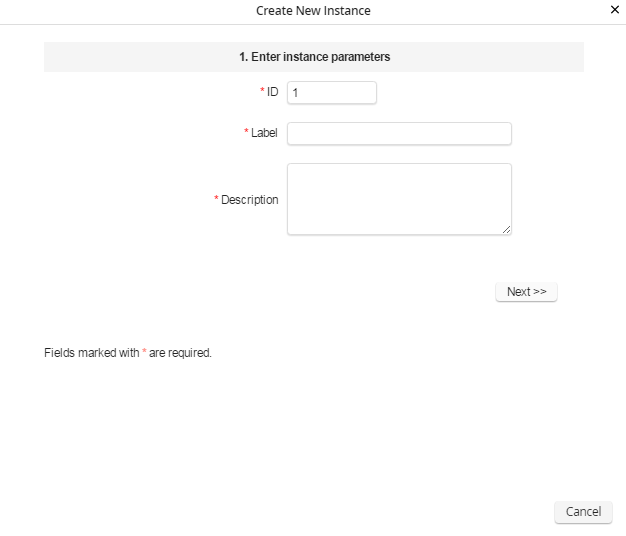
Create new Instance
After entering a label and a description for the instance, click on Next to reach the next dialog.
The further process of setting up a new instance is described in the JobRouter Tech Doc in the section Setting up an new instance in detail.
