In the RemoteDB configuration menu the URL for the Remote DB server can be determined. Additionally, the token for the Remote DB client can be generated here.
Please note: This feature is only available in the cloud.
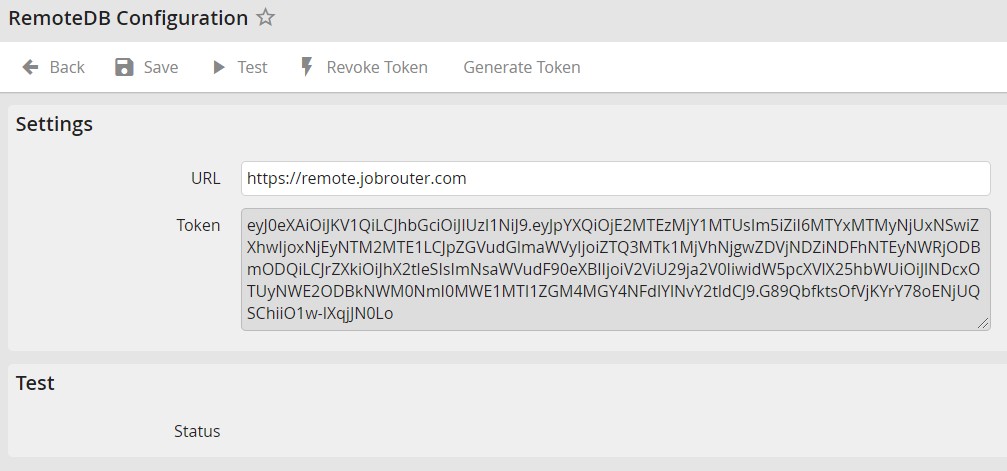
The following settings can be made:
Name |
Definition |
|---|---|
URL |
The Remote DB server address |
Token |
The token can be generated by clicking "Generate token". This token is needed for the configuration of the Remote DB client. |
Please note: The token expires after one year. After the expiration of this time, a new token must be generated and inserted into the Remote DB client configuration.
Changes can be saved by clicking Save. Then you get automatically back to the configuration overview.
You can test the connection to the Remote DB client by clicking Test.
With Withdraw token you can delete an already existing token.
With Generate token a new token can be generated.
Please note: Withdrawn or newly generated tokens are only saved after clicking Save.
