In the Module Settings menu, it is possible to view the execution settings for individual service modules and to deactivate modules or change their runtime settings.
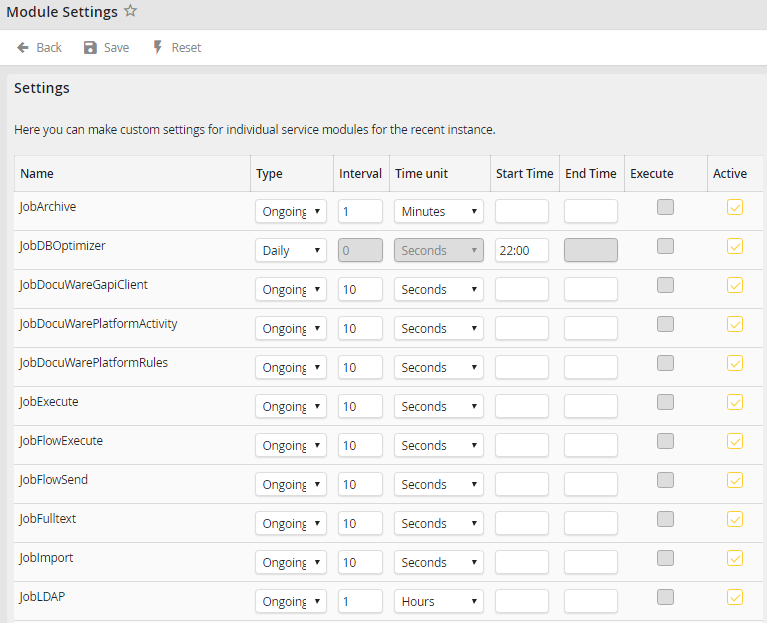
Module settings
You may configure the following settings.
Name |
Definition |
|---|---|
Name |
The module which settings you want to change |
Type |
Processing type •Ongoing: Continuous processing in the following interval •Daily: Processing once a day |
Interval |
Specify the interval (Integer) |
Time unit |
Time unit of the interval |
Start time |
The time when the processing is to start |
End time |
The time when the processing is to end |
Execute |
Execute the module once now (This feature will be available in a later version) |
Active |
Activate/deactivate module |
Please note: The shortest runtime interval is 10 seconds. If you insert a shorter runtime, the 10 second interval will be used automatically.
Click Save to save your changes. You will be taken back to the Configuration overview.
Use the Reset button to reset all changes back to the JobRouter default settings.
Please note: If you performed changes to the module settings, the services that are assigned to this instance have to be restarted.
