Selecting a Job Function is available on all step forms. You may assign a step to another user via a Job Function assignment. Doing so displays the following pop-up window.
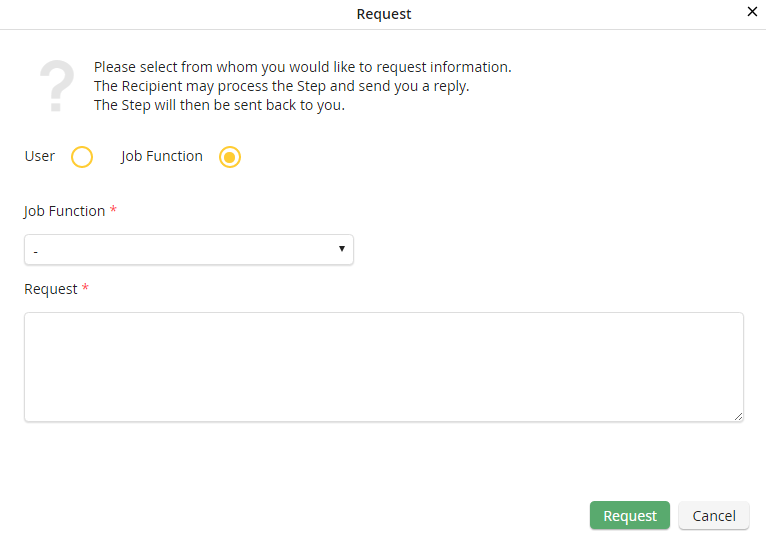
Assigning to a Job Function
Select the Job Function radio button. A drop down menu with all available Job Functions appears. Select a Job Function. Click Assign.
