JobRouter features may be enhanced by installing optional add-on modules, such as JobMail, JobTimer, etc. In order for these modules to access the translations, you must import them into the JobRouter database from the JobRouter languages subdirectory. This procedure can take several seconds to accomplish.
Please note: You can only use different languages in your JobRouter with licensed JobMultilingual module.
Click on Import Language Files in the configuration tools of the JobRouter Settings to see a list of available languages.
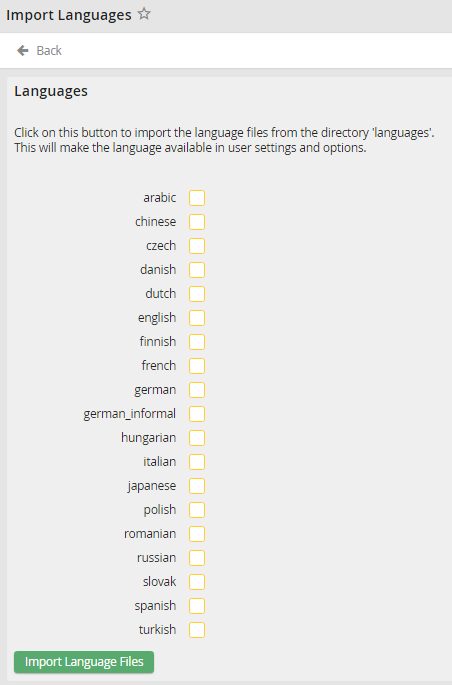
Import language files
Select the checkbox of the desired language. Click on the Import Language Files button. The selected languages will be transferred into the JobRouter database.
The corresponding language files are available to you in the user administration and user settings.
