Use this configuration tool to create an e-mail message to be used to test the delivery. Select Send Test e-mail in the JobMail configuration tool. The following input mask appears.
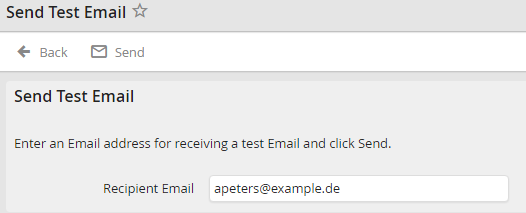
Send test e-mail
Enter an e-mail address to receive the test message into the field Recipient e-mail. Then click Send to attempt delivery of an automatically generated e-mail message having the subject line JobRouter Test. The screen changes to include an overview of the E-mail Log showing the delivery task for the test message. The message will be delivered by JobMail, if configured.
