Create a new JobSelect report in the Configuration under Admin Tools in the JobRouter navigation menu. Click on the Modules tab to get an overview of all existing JobRouter modules. Click on Manage Reports in the JobSelect module. An overview over existing reports is displayed.
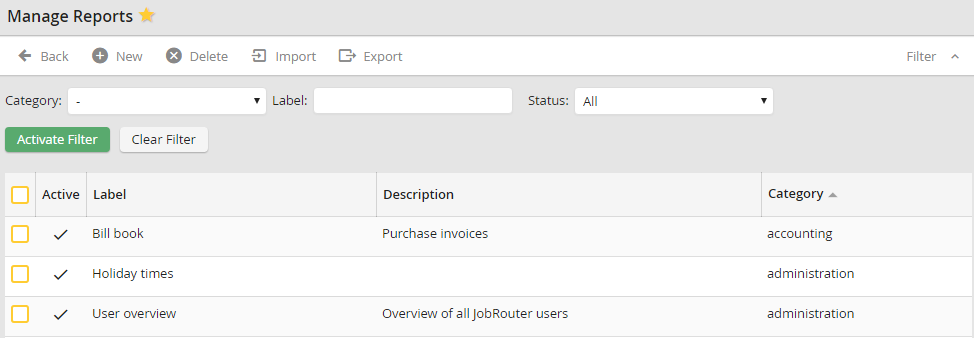
Manage Reports
Under Label you can see the name of the respective report. The column Description allows for comments regarding the report, if necessary. The column Category indicates which process category the report is assigned to (see chapter Manage Process Categories). If several reports are included in the same category, the user can use the category to quickly sort and group the reports. The report is activated if the checkbox under Active is activated. The Label is displayed in the JobRouter navigation menu. The user can open the report by clicking its name.
