Add a new report by clicking New in the action bar. If you want to edit an already existing report, click on its name. In either case, the Edit Report dialog window will be displayed.
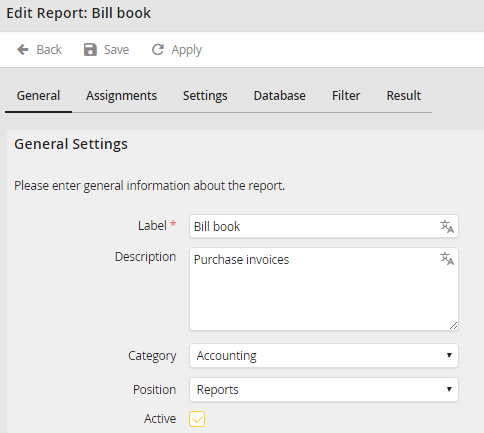
Add/Edit a JobSelect report
The Label field marked with a red star is a mandatory field, in which you must assign a name to the report. Description is meant to hold an optional description of the report. Select a Category to be assigned to the report. Position allows you to select if the report will be displayed directly in the navigation menu or in the reports. If the Active box is checked the report is displayed in the user box reports.
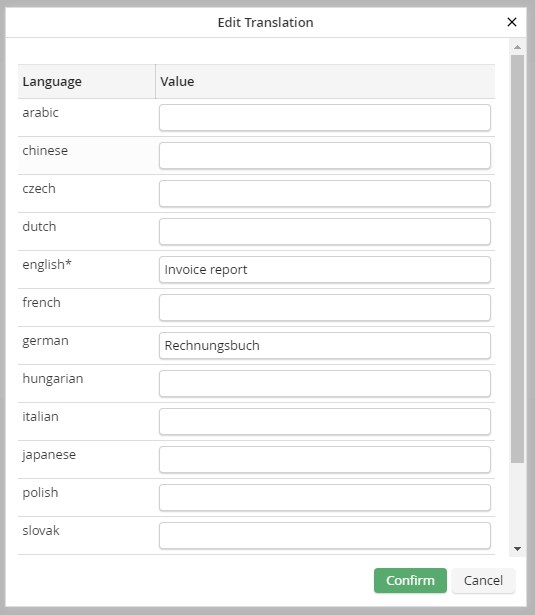
With the Edit icon on the right side you can enter a corresponding translation for all activated languages in JobRouter (only with licensed module JobMultilingual).
Click Apply in the action bar to save your entries. Confirm by clicking Save and you will be taken back to the overview.
