JobSelect allows you to import views in XML format into your JobRouter system. Click on Import in the action bar in the Manage Reports dialog window. The following pop-up window will be displayed:
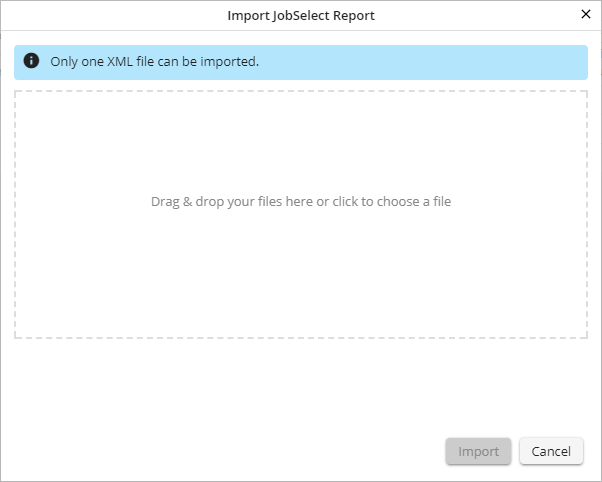
Importing a report
Click the white space or drag a file into it. Then click Import to incorporate the chosen file into your JobRouter system.
