You may also export a report in XML format. The exported instance file was written in the JobRouter export/queries directory. Enable the checkbox next to the desired report in the Manage Reports dialog window, then click Export in the action bar. The following pop-up window appears, showing the export information for confirmation.
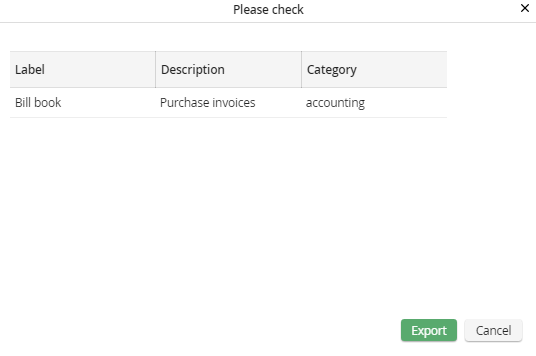
Exporting a report
Under Label you can see the name of the report. Description is meant to hold an optional description of the Report. A report assigned to a category, can be found under the corresponding category.
Click on Export to export the report. Another pop-up window appears showing the result.
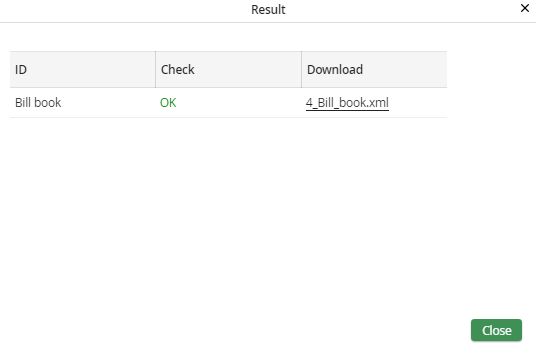
Export result
The report name is used as ID, the Check column indicates the success of the export. Click on the link in the Download field to open the XML file in a new browser window. Click on Close to close the pop-up window. You will see the Manage Reports dialog window.
