If the JobSync module is installed, you may export your reports to a test system in order to test them without affecting the productive system. They may be imported back to the productive system after the testing.
To synchronize a report, check the corresponding box next to the report, then click Export to Test System or Export to Productive System, depending on the case. A pop-up window appears.
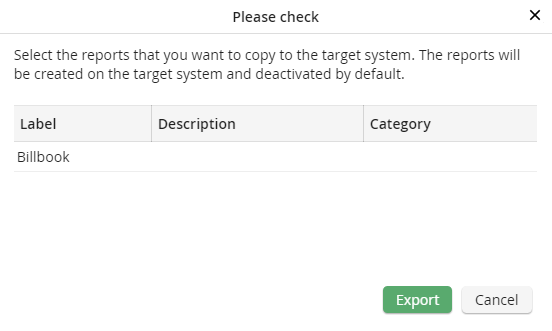
Synchronizing a report
The Label column shows the report name, Description shows an optional description giving more information about the report, and Category shows the category, if the report was assigned to one. Click on Export to transfer the report into the target system.
A result message appears.
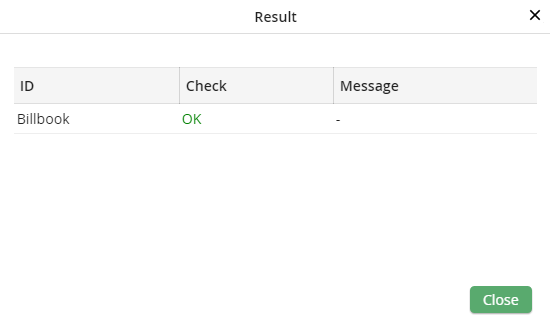
If the synchronization was successful, the file was created on the target system, the report was put into an inactive status, and the report name is used as ID. If an error occurred during the export, an error message with more information will be displayed under Test. Click on Close to exit the pop-up window. You will see the Manage Reports dialog window.
