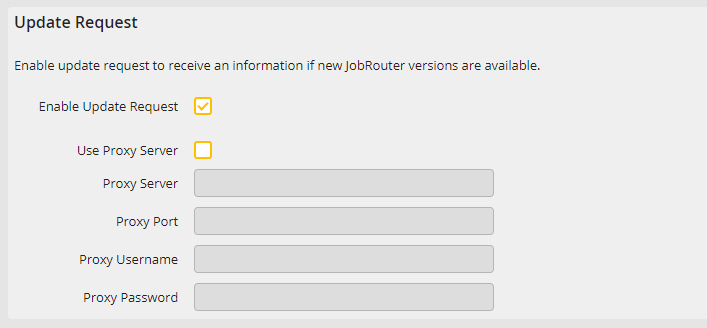
JobRouter has a module for checking for updates automatically. You can activate this module here and, if necessary, enter a proxy server to connect to the JobRouter support server on the Internet.
Advanced settings |
Definition |
|---|---|
Update Request |
|
Enable Update Request |
If enabled, updates will be searched automatically. |
Use Proxy Server |
Enable the checkbox if a proxy server has to be used for Internet access. |
Proxy Server |
Enter the name or IP address of the proxy server. |
Proxy Port |
Enter the port of the proxy server. |
Proxy Username |
Enter the user name for using the proxy server here. When there is no user name entered, the request is sent with the rights of the user under which the service JobServer is executed. |
Proxy Password |
Enter the password for the proxy server. |
