The Maintenance Mode can be used to take the JobRouter application offline. All users without configuration rights are logged out and can no longer access JobRouter. However, users with configuration rights have the possibility to log in and continue working at any time.
Restricted access applies to all available logon methods.
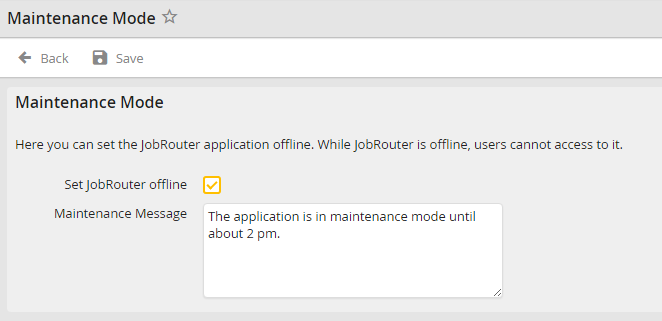
Maintenance mode
Please note: Even if the maintenance mode is active, steps (e.g. system activities) are still processed by the job server. Furthermore, the REST interface and the WebService are still available.
Enable the Set JobRouter offline checkbox to activate the maintenance mode of the application. While doing so, you can add a description in the Maintenance Message field that will be displayed above the login mask.
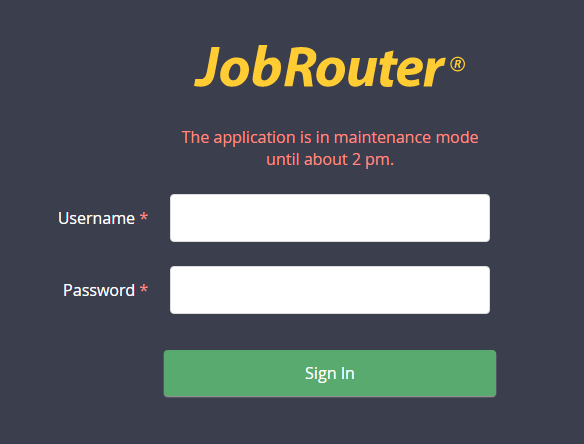
Maintenance message on the login page
