Click on Manage Connections under JobImport in the Configuration Tools overview to display an overview of the existing import connections.
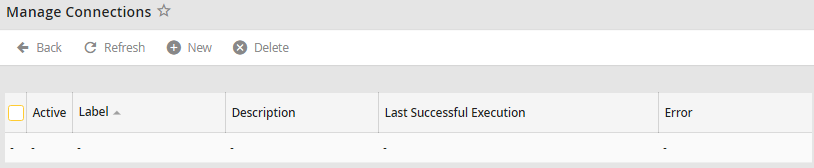
Import connections overview
The Label column shows the name of the connection. The column Description contains additional information about the connection. The column Last Successful Execution lists the date and time the import connection was last successfully processed. A check in the Active column indicates instances will be imported using this connection.
