Select JobShift from the JobRouter modules listed in the Configuration under Admin Tools in the JobRouter navigation menu to add a new archive or edit an existing one. Then click Manage Archives to display a list of existing instance archives.
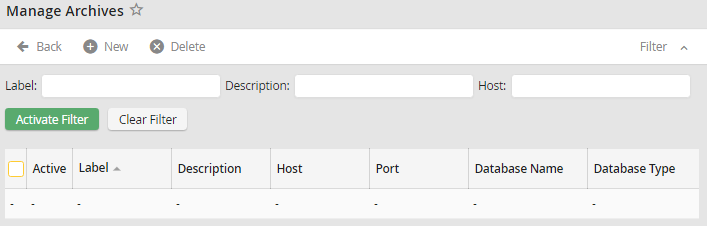
Instance archive overview
The Label column shows the instance archive name. The name of the server hosting the instance archive is displayed in the Host column. A port number is shown under Port if the server is not using the default port. The Database Name and Type are shown in the respective columns. A check in the Active column indicates that the instance archive is available.
