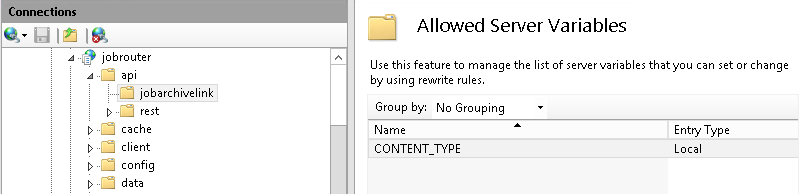
For the create function application with POST method it is necessary to perform a setting in Internet Information Services. Thus you will be enabled to overwrite the service variable the CONTENT_TYPE. Without this configuration the POST function utilization will not be possible; the request will be rejected as server error 500.50.
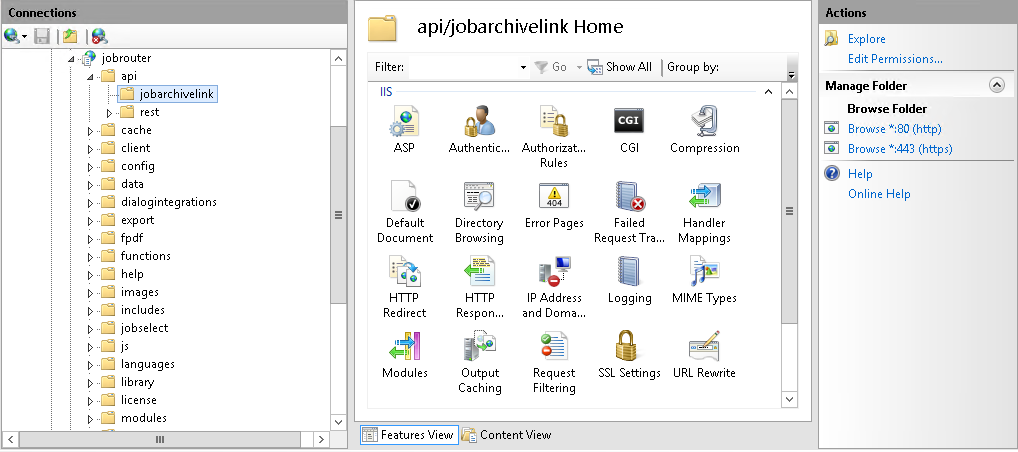
Call up the Internet Information Services (IIS) Manager and open your JobRouter application. Navigate to the directory api/jobarchivelink and mark the entry jobarchivelink in the directory link. Click in Features view under IIS on the entry URL Rewrite. Make sure that api/jobarchivelink Home is shown as the headline.
On the right side of the URL Rewrite page you will find the input Show server variables under Actions:
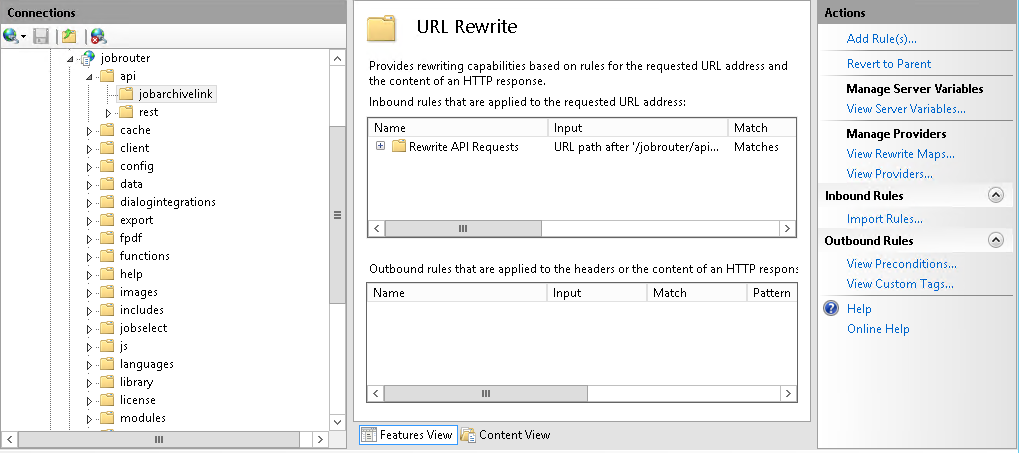
Chose this menu entry and click on the right side for Actions on Add:

A form window will be opened. Enter here CONTENT_TYPE as value for the server variable name:
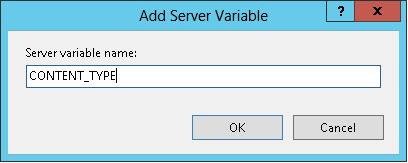
Confirm the value with OK. The server variable has been added successfully: