After the installation of OpenSSL on your system also the path has to be configured in JobRouter.
Open the General Settings under Admin Tools > System > Configuration and add the path to OpenSSL, including the application name into the field OpenSSL application:
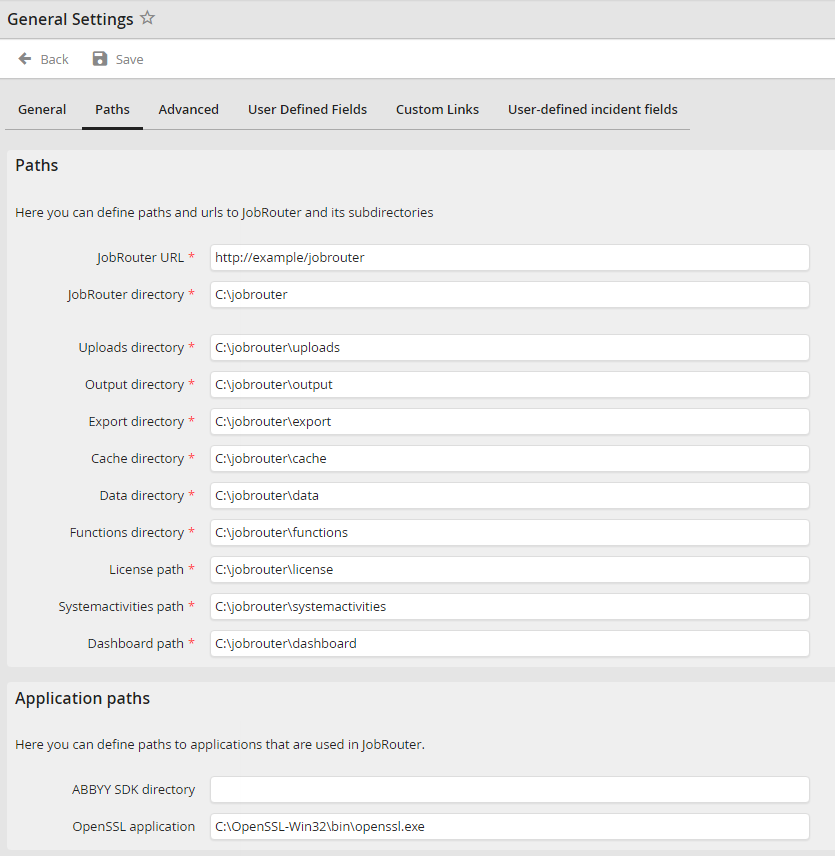
Allgemeine Einstellungen in der Konfiguration
Please note: The OpenSSL application field will only be displayed if a valid JobArchive Link for SAP license exists.
