The following sections provide you with the necessary information to configure the JobExplorer interface in JobRouter.
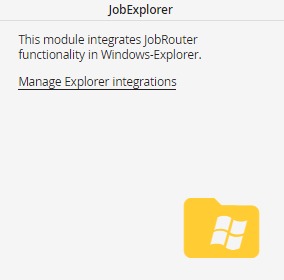
Panel in the configuration
The administration of the integrations in JobRouter is done in the configuration menu. If the JobExplorer module is licensed, you see the link Manage Explorer integrations in the JobExplorer box on the Modules tab. Please open this link. You will see a list of defined integrations and can edit and delete them, or create new configurations.
Please note: To be able to use the integration, the responding archive has to be configured correctly.
Please note: If an index field of the type integer contains a list, it is currently not possible to save the list value when archiving the e-mail. In such a case, please use an index field of the type Text.
