A JobExplorer integration can be created by clicking on New in the action bar of the Manage Explorer integration mask.
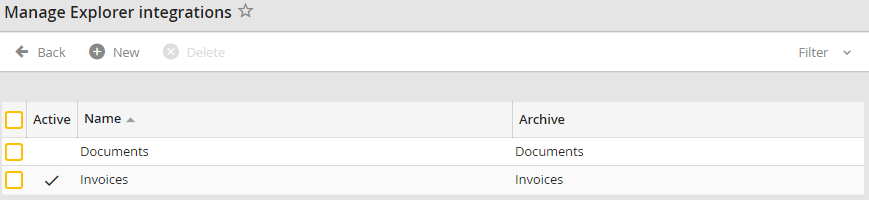
Manage explorer integrations
If you want to edit an already existing Explorer integration, click on the name of the respective integration. You will see the New Explorer integration or the Edit Explorer integration mask.
Please note: When using a dynamic list in an archive index field that is generated from an SQL query, the name and value must be identical. So you can only define one field in the SQL query as a return in the SELECT.
