The following steps are necessary to create a function module in an SAP system.
Create the JobRouter package
In case the package Z_JOBROUTER does not exist yet, it can be created in the package builder. The builder is started with the transaction number se21.
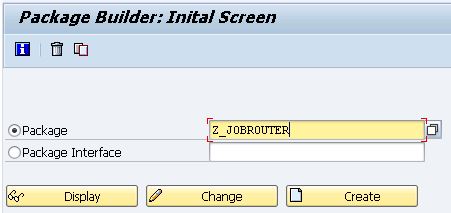
Note: Please follow the SAP naming conventions.
After entering the package name and pressing the Create button, the Create package dialog appears.
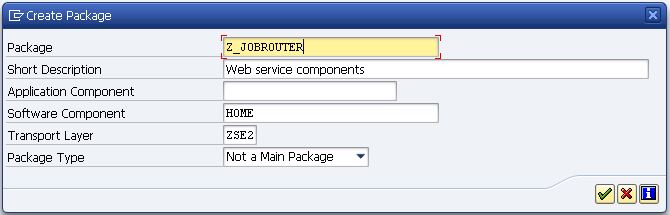
After saving, usually the Enter Transport Request dialog appears.
Create a transport request
Transport requests are used to transfer object changes to other systems.
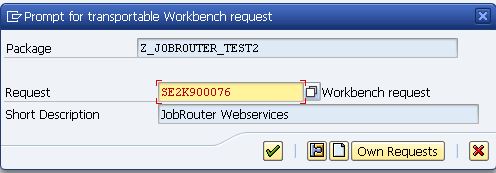
If an unrelated request is already present, a new request has to be created.
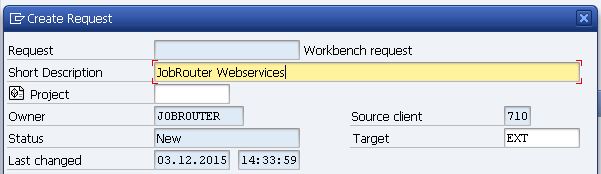
The request number and description are now refreshed.
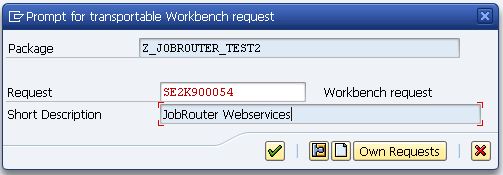
Please note: Write down the request number, as it is needed by the administrator for the transport to the next SAP environment.
Create a function group
If the function group does not exist yet, it can be created in the Object Navigator. The navigator is started with the transaction number se80.
1.First, make sure you are in the Repository Browser. Usually, this is the case already.
2.Select function group as object type in the Object Navigator. The name of the new function group (e.g. Z_WEBSERVICES) is entered into the input field and confirmed with the [Enter] key.
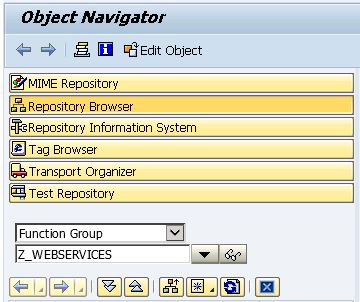
3.If this object does not exist in the system, the create object dialog will be shown. After confirming the action with yes, the create function group dialog opens.
4.Enter the description of the new function group in the create function group dialog.
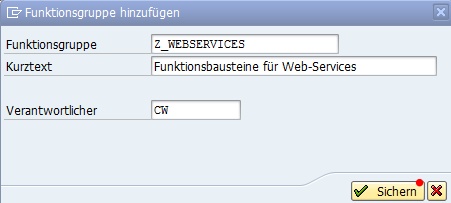
After saving, the dialog create object directory entry opens.
5.Now, the function group has to be assigned to the previously created package Z_JOBROUTER.
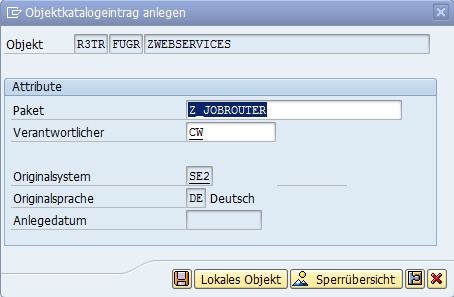
6.The number of the transport request can be verified in the next dialog. If a matching request is already created, it will be inserted automatically.
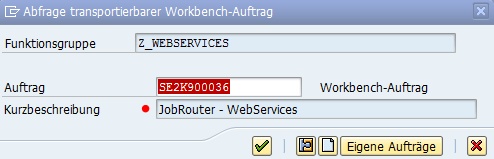
Note: Verify the description!
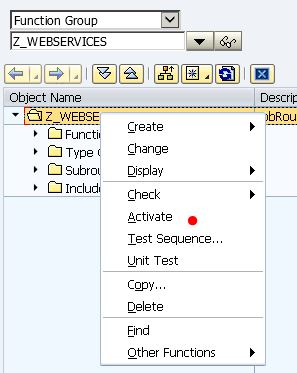
7.Now, the function group has to be activated. By right-clicking the object name, the context menu of the function group will be displayed. After confirming the Activate entry, the dialog with Inactive objects opens. It has to be confirmed with Next.
Create a function module
A function module is created in the Object navigator. It is started with the transaction number se80.
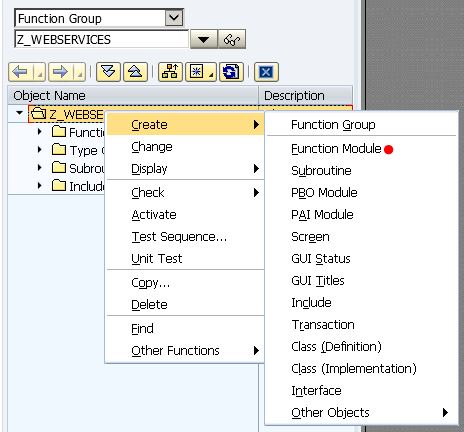
A new function module is created with the Create => Function module entry of the context menu of the function group.
The name and the description of the module is entered in the opened dialog.
