Open the properties to change the type of an element type. The following mask for a TEXTBOX element appears:
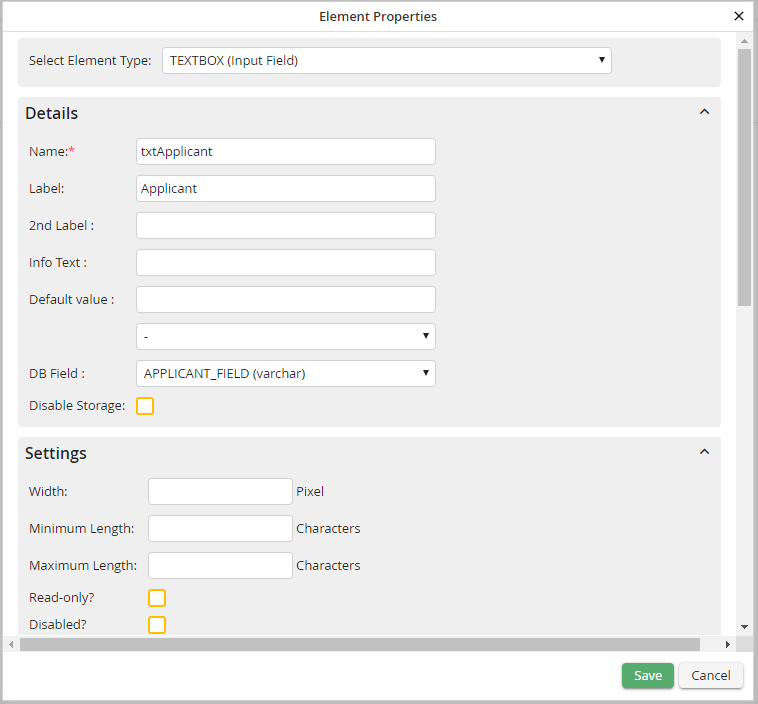
Edit element properties: TEXTBOX
Select the desired element type from the Type picklist. The values of all properties that still exist (e.g. name, required field, etc.) are not changed. If you select the SQL_LIST type for the textbox in the example, the form looks as follows:
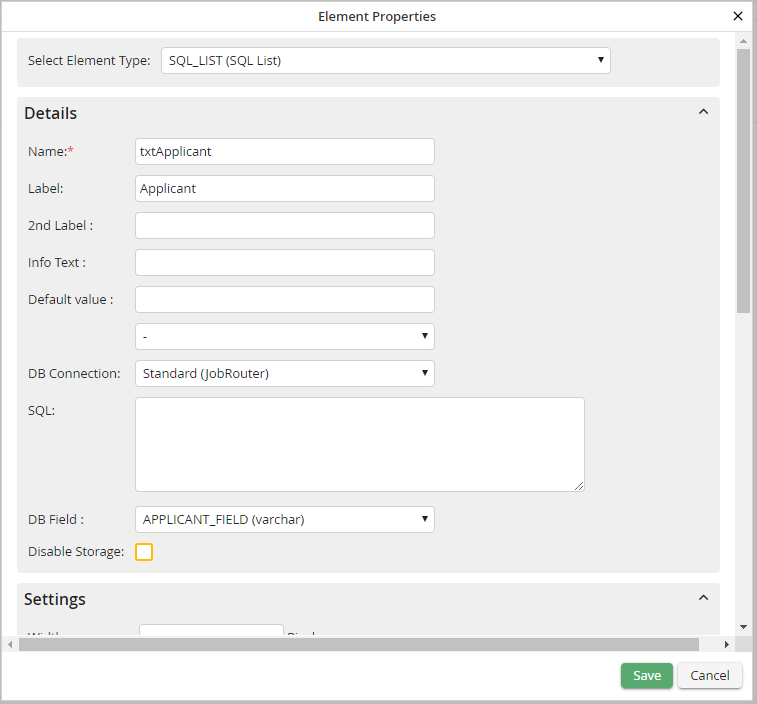
Change element type
Please note: The element is replaced in already started steps.
