You can integrate the JobRouter global configurations into your current process via the menu item Add global configuration. How to establish global configurations is explained in the JobRouter Administration Manual. You can use these global configurations in your process, but you cannot modify them. Global configurations have the Global checkbox checked in the process configuration overview.
Click Add global configuration in action bar to incorporate an additional configuration into your process. The following form window will be displayed:
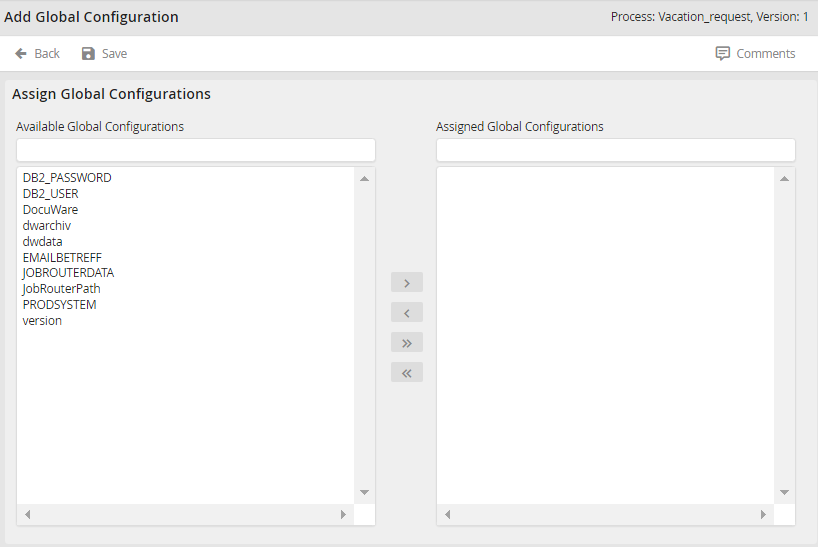
Adding a global configuration
Choose a global configuration. Click on the arrow  to apply that configuration to the current process. The arrow back
  removes the selected configuration from the current process. Use the arrows
  /
/  to add all available JobRouter global configurations or remove all configurations from the current Process. Click Save to save the assigned configurations and return to the overview.
