In the JobRouter Designer, click the symbol  to open a pop-up window with a list of these process and system fields.
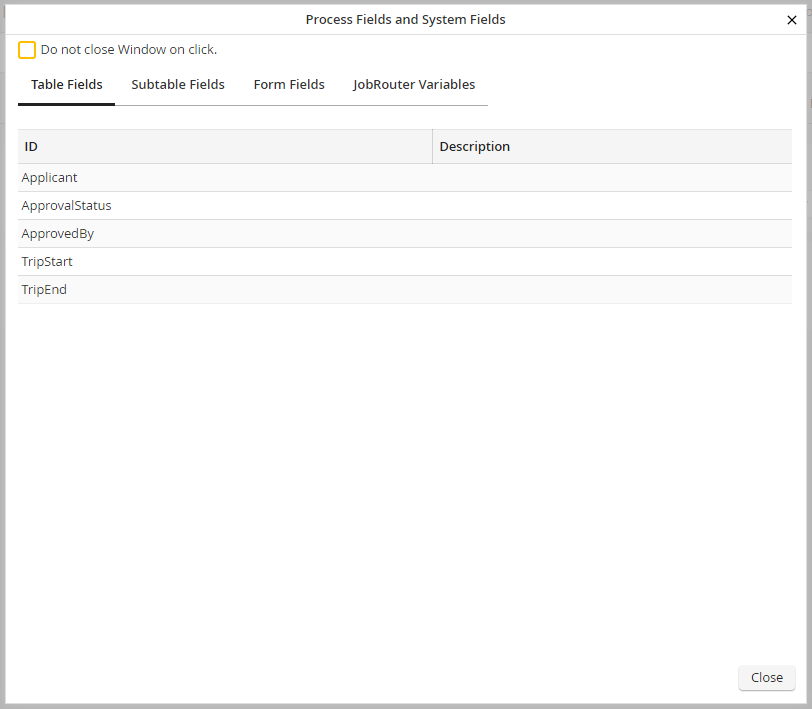
Process and System Fields
You will see the fields of your process table, subtable (if applicable), and form(s), as well as the JobRouter variables. When you select a value, the window will automatically close, and that value will be transcribed to the corresponding field in the form window.
