Via the Import button processes Exported from JobRouter can be integrated into your system.
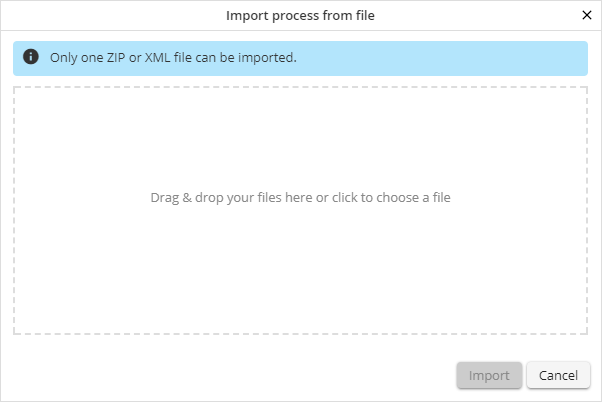
Dialog window for process import
Drag a file into the according field. Alternatively, you can click on the inner section and select a file. With activating the Import function you will get to the next form window, where you can customize the process name, version, process table and, if applicable, existing subtables.
Please note: Process imports from newer JobRouter versions are not supported!
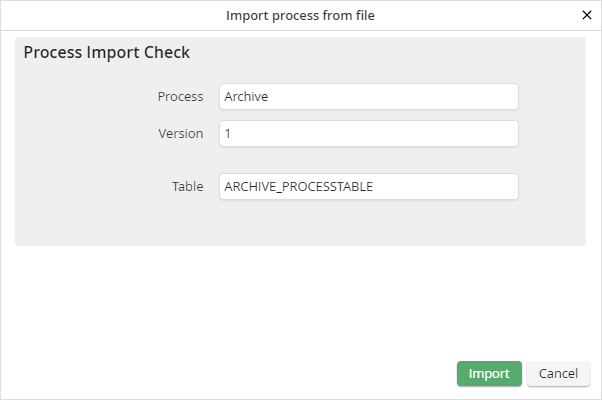
Dialog window for process property adoption
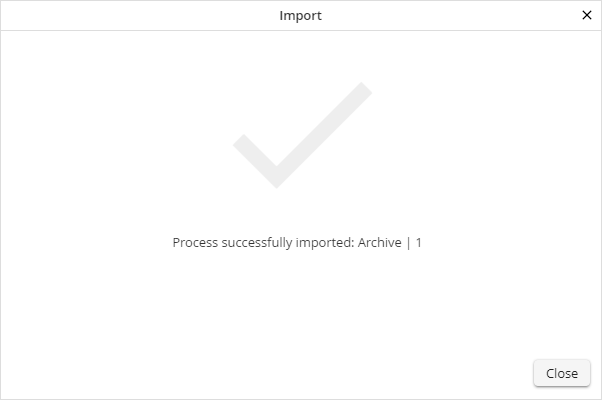
If you activate the Import function, the process will be applied by JobRouter. You will get a confirmation.