Process messages can be exported and imported in the process messages overview.

Process messages menu
Export
Exporting the process messages is initiated via the Export all button.
Pressing it exports all process messages as zip file. This zip file contains an Excel file in xlsx format for each language included in the process.

Exported Excel file (german.xlsx)
The excel file contains a column with the name of the process message, the translation in the default language of the process and the translation in the language of the exported file.
Import
Importing the process messages is initiated via the Import button. A popup window opens, where either a zip or Excel file can be uploaded.
Please note: Only the xlsx format (Excel 2007 and higher) is supported. The file name has to correspond to the language for that you want to import process messages (e.g.: slovak.xlsx). Furthermore, the columns in the excel file have to correspond to the columns seen in the picture above.
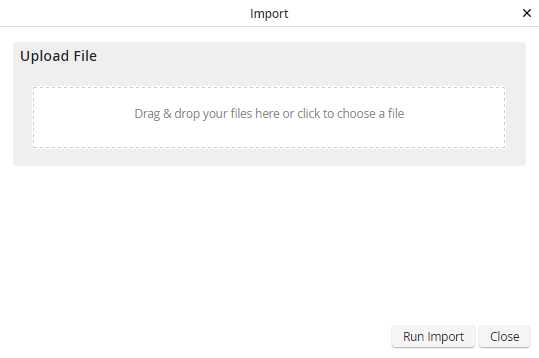
Import process messages
Clicking the Run Import button imports the process messages and displays them in the overview. If a language did not exist in the process yet, it will be added.
If the excel file contains new process messages, they will be added as a new process message.
Please note: If process messages exist in the process that were not imported, they will not be deleted and have to be deleted manually, if not needed.
