You can split or parallelize the steps of a process. Divide an instance of your process in a specific place and then separate the following steps from each other by defining a rule. In the process these steps run independently of each other. The steps can be worked on by users simultaneously. For this the data record of the instance is copied and a new record for each new parallel step is generated. The instance splits up into several independent activities. Steps are not meant to be joined. How to define rules and edit them, See chapter Rules.
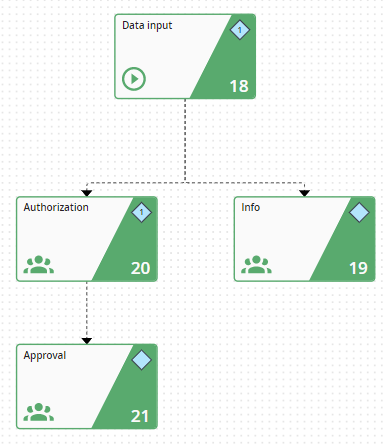
Split steps using a rule
