An archive can be exported by selecting the checkbox in front of it in the Manage Archive mask. The following popup is displayed:
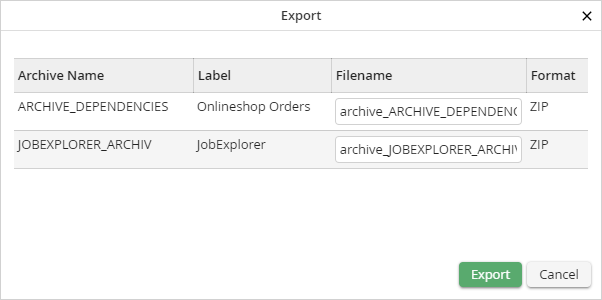
In the popup, you can change the file name of the ZIP file you are creating if desired, afterwards click on the Export button.
The archive definition will be exported and made available as ZIP file to be downloaded.
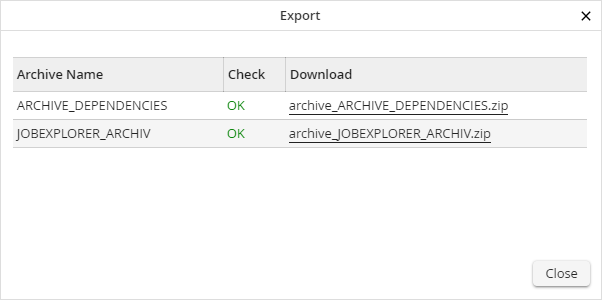
The ZIP file can be downloaded by clicking the file name in the Download column.
Exported contents of an archive as ZIP file
The ZIP file contains an XML file. It contains the following contents:
- The archive, that is, the archive settings including the Index Fields and Lists maintained in them
- Process Categories that are stored in the archive and in the archive views
- Archive Profiles
- Archive Views incl. Assignment of Job Functions
- Index Dialogs
- Results Lists
- Global Connections of the archive
Please note: JobData connections and User Assignments to Archive Profiles are not included in the export.
