You can define instance fields across processes in which data can be saved from each process. The user sees the names of the user-defined instance fields in the general Inbox and Completed box as additional columns.
The process designer can assign these user-defined instance fields to a specific process table field in each process. This will populate these columns in the general Inbox and Completed Box with process data.
See also Workflow Design Manual Chapter Process Properties
Open the User-defined Instance fields tab. You will see the following input mask.
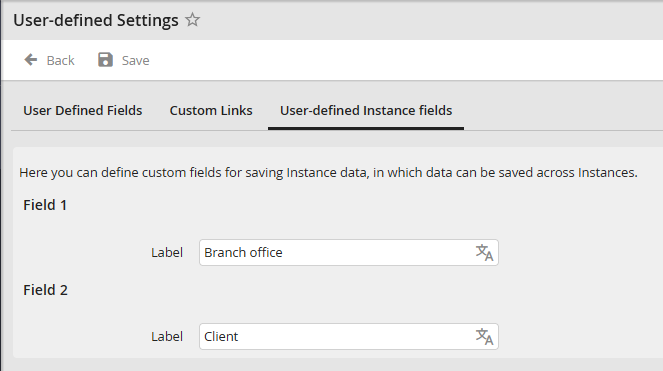
Creating user-defined instance fields
Enter the labels of the instance fields into the input fields. They can be translated into all languages existing in the system.
Please note: In order for the User-defined Instance fields to be visible to the user in the inbox, they must be enabled in the corresponding user profile the user is in.
