You can display custom links in the JobRouter navigation menu. Open the Custom Links tab.The following input mask appears.
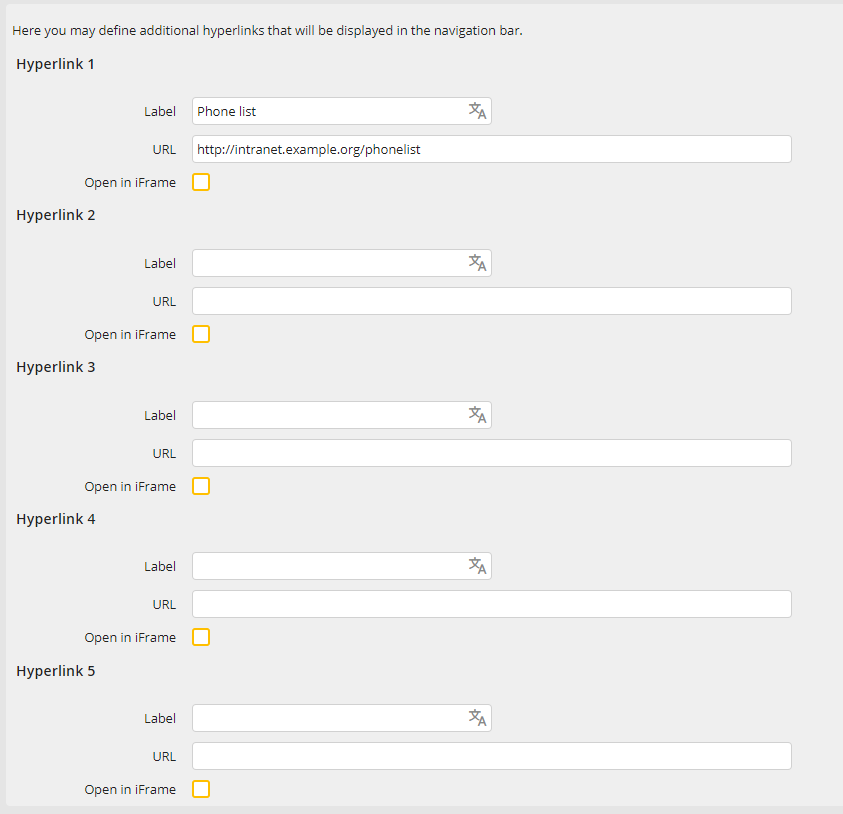
Custom Links
Fill in the fields Hyperlink 1 to Hyperlink 5 the desired internet addresses. In the Label fields you can store the corresponding descriptions. They can be translated into all languages existing in the system. By activating the checkbox Open in iFrame for a link, it will be displayed within an iFrame on the right side of the application. In case the checkbox is not ticked, the link will be opened within a new window.
You must also activate the entered links in the user profile (see chapter Creating User Hyperlinks).
