Click the User tab to assign users to a Job Function. The following dialog window appears.
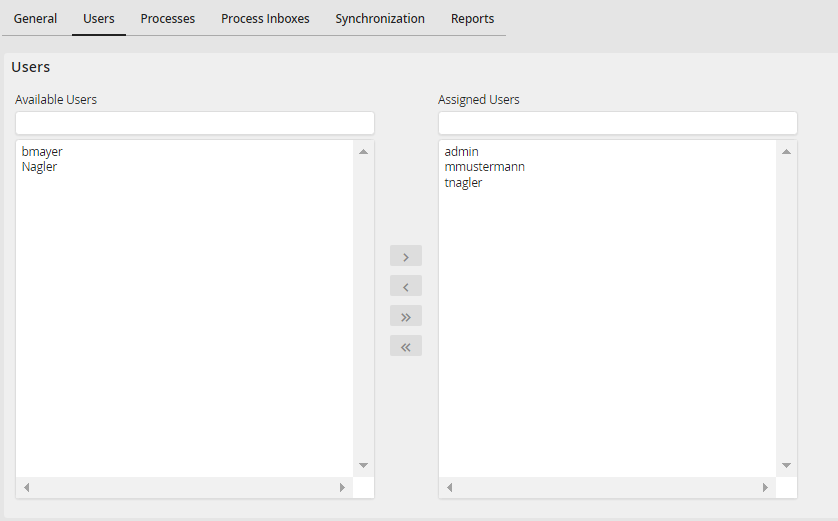
Assigning Users to a Job Function
A list of all already existing users is shown. Select a user and click on the arrow  to assign him to the Job Function.
  Click on the arrow back to remove a user from a Job Function. The arrows
  /
/  allow you to assign all users to a Job Function or to remove all user of the Job Function. Save stores the assigned Job Functions and you will be returned to the Job Function overview.
Please note: If the right management is configured on profile level, an assignment is only possible if the right for user and Job Function assignment was granted, too.
