In the JobRouter modules, under JobStart, click Manage e-mail Import tasks to display a list of all existing e-mail tasks that can initiate a process.
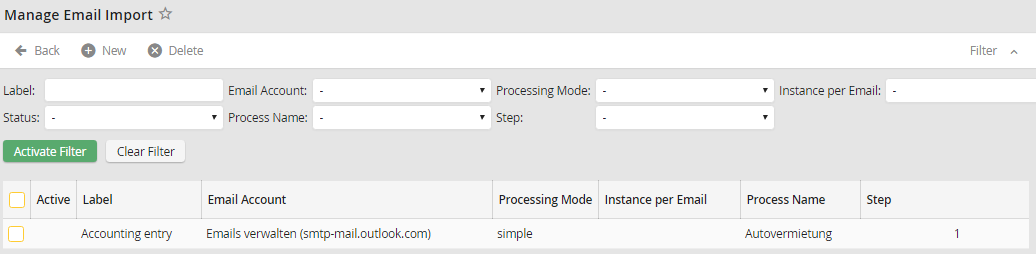
Manage e-mail import
The Label column shows the name of the task. The E-mail account column displays the monitored account. Now you can see the name of the process and the number of the step that is to be started. The Last successful execution column contains the date when the process was started last. If Active is checked, the monitoring task is active. The symbols in the last column can be used to move tasks up or down.
