The JobStart module can monitor both directories and e-mail inboxes. You are able to start instances per e-mail. If e-mails arrive in a monitored inbox, the process assigned to this inbox will be automatically started. POP3 and IMAP accounts are supported by JobStart.
The e-mail accounts must first be created before e-mail monitoring can be configured. In the JobRouter navigation menu, go to Configuration under Admin Tools to see a list of existing accounts.
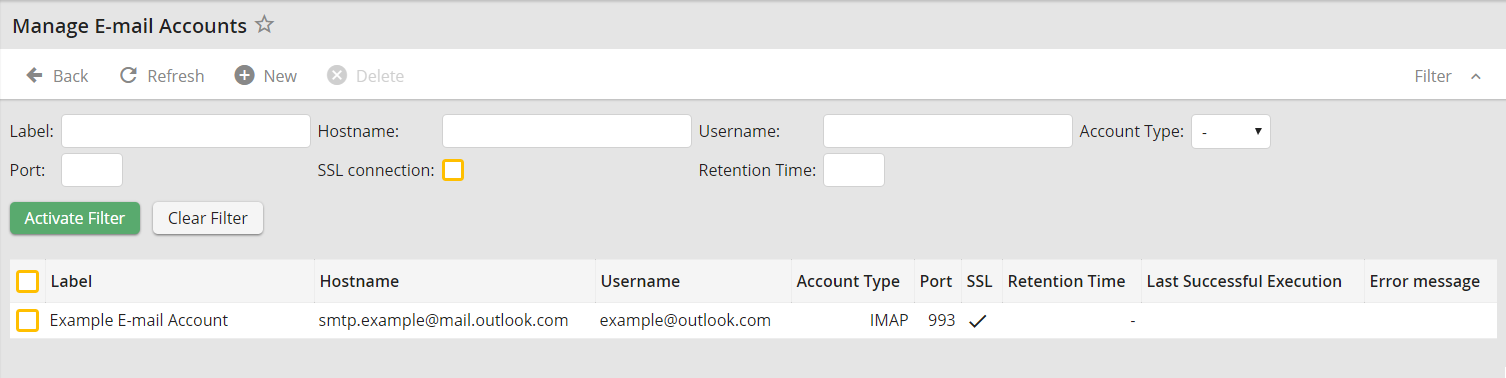
Administering e-mail accounts
The Label column shows inbox name. In the Hostname column you can see the server name on which the inbox is managed. The Username column shows the name of the e-mail account owner.
