Here you can set restrictions for the archive view, limiting the displayed content to a specific area of the archive. Users using this archive view have no possibility to circumvent these limitations.
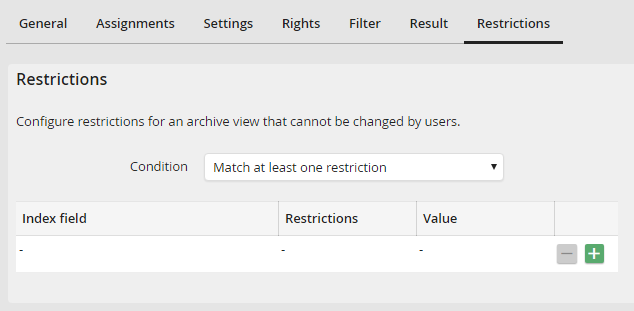
Edit Archive View - Restrictions tab
First, select one of the following options in the condition field:
•At least one restriction must match: If one of the restrictions is met, the respective document from the archive will be shown in the result list.
•All restrictions must match: Only if all restrictions have been met the document will be shown in the result list.
In the restriction list you can enter any number of index data restrictions. You can add and delete rows using the  and
and  buttons. The following values can be set for every row:
Column |
Definition |
|---|---|
Index field |
Select the index field from the archive. |
Restrictions |
Select the type of restriction from the list. |
Value |
Here you can enter fixed values or JobRouter system variables such as [jr_username] or [jr_date] for date fields and others for the restrictions. |
