To display the content of an archive in an archive view, you have to define the to be displayed columns on this tab first. You can select any number of columns for an Archive View.
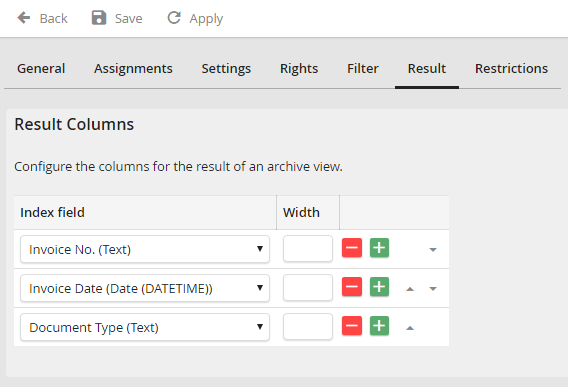
Edit Archive View - Result tab
You can chose any index field of the archive as result column as well as Revision ID, Stored by, Stored on, Changed by, Changed on, Deletion date, File name, File Type (Image) and Number of pages. The arrows at the end of every row allow you to set the order of the individual columns. The width can be assigned permanently. If you leave this field empty, the width will be chosen automatically. Click Save to store your settings.
