On the Settings tab in the JobRouter menu you can define the settings. Here you can set which sections of this category are visible to the user. This category is used by users to set user specific settings. You can decide settings he can perform.
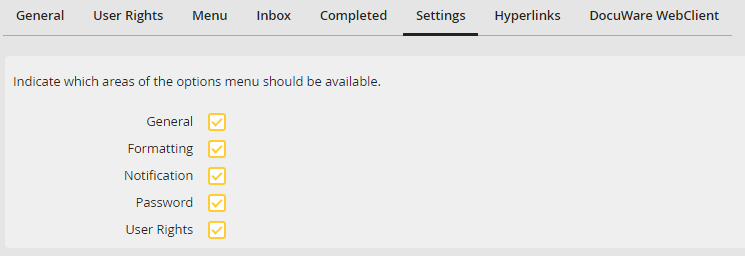
Defining settings
You may enable the following sections for the user. For more information, see chapter Creating and Editing Users.
Section |
Definition |
|---|---|
General |
Check this box to allow the user to set the following options: •Open steps in a new window •Start form (Main Site, Inbox, Completed) •Language •Number of rows |
Formatting |
Check this box to allow the user to set •Time zone (only with licensed JobGlobaltime module) •Date Format •Decimal Separator •Thousands Separator |
Notification |
The user is allowed to activate the following e-mail notifications: •e-mails for new steps, requests and answers, assigned steps and summarized notification. •Admin Log (via e-mail) |
Password |
Allows the user to set a new password |
User rights |
Allows the user to view his user rights |
